Killer
Eliminate opponents by hitting their assigned number.
Killer is one of two modes that need an Autodarts Plus membership — the other is 121. On a free account it still shows up in the game-mode picker, but with an Upgrade badge in place of the usual Party tag.
How to play: At the start, each player claims a unique number on the dartboard by hitting it — this is the number-assignment phase. Once everyone has a number, the killing begins. Hit your own number enough times to become a killer (see below) — you then have the power to attack. Hit an opponent's number to remove one of their lives. Lose all your lives and you are eliminated. The last player standing wins.
Each number on a dartboard is split into a few scoring zones: the wide single area, a thin outer ring worth double that number (a double), and a thin inner ring worth triple that number (a treble). Killer's Hit Mode setting can restrict attacks to only one of these zones.
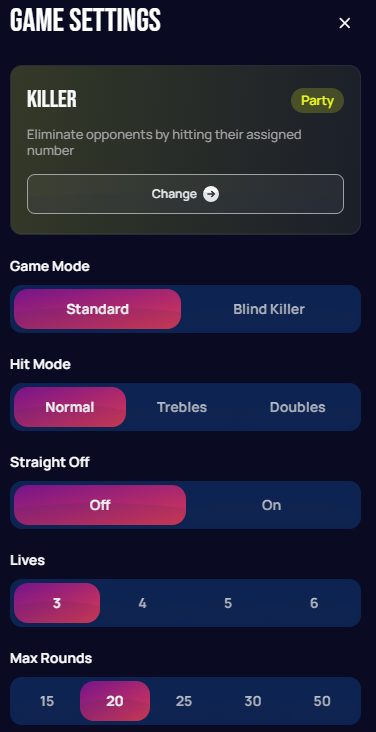
| Setting | Options | Notes |
|---|---|---|
| Game Mode | Standard / Blind Killer | In Blind Killer, players don't know which number they've been assigned until they become a killer, raising the difficulty. |
| Hit Mode | Normal / Trebles / Doubles | Restricts which segment type counts as a hit on a number during the attack phase. |
| Straight Off | Off / On | When enabled, players can attack immediately without first needing to build up their own number into a killer. |
| Lives | 3 / 4 / 5 / 6 | Each player's starting life total — also the tally target on your own number needed to become a killer in the first place (see below). |
| Max Rounds | 15 / 20 / 25 / 30 / 50 | Caps how many rounds the game can run before ending. |
Unlike the other Party modes, Killer can't be played solo — you need at least one other player (a local guest or someone online) so there's someone to eliminate. It plays best with three or more total, since the attack phase needs multiple targets to stay interesting.
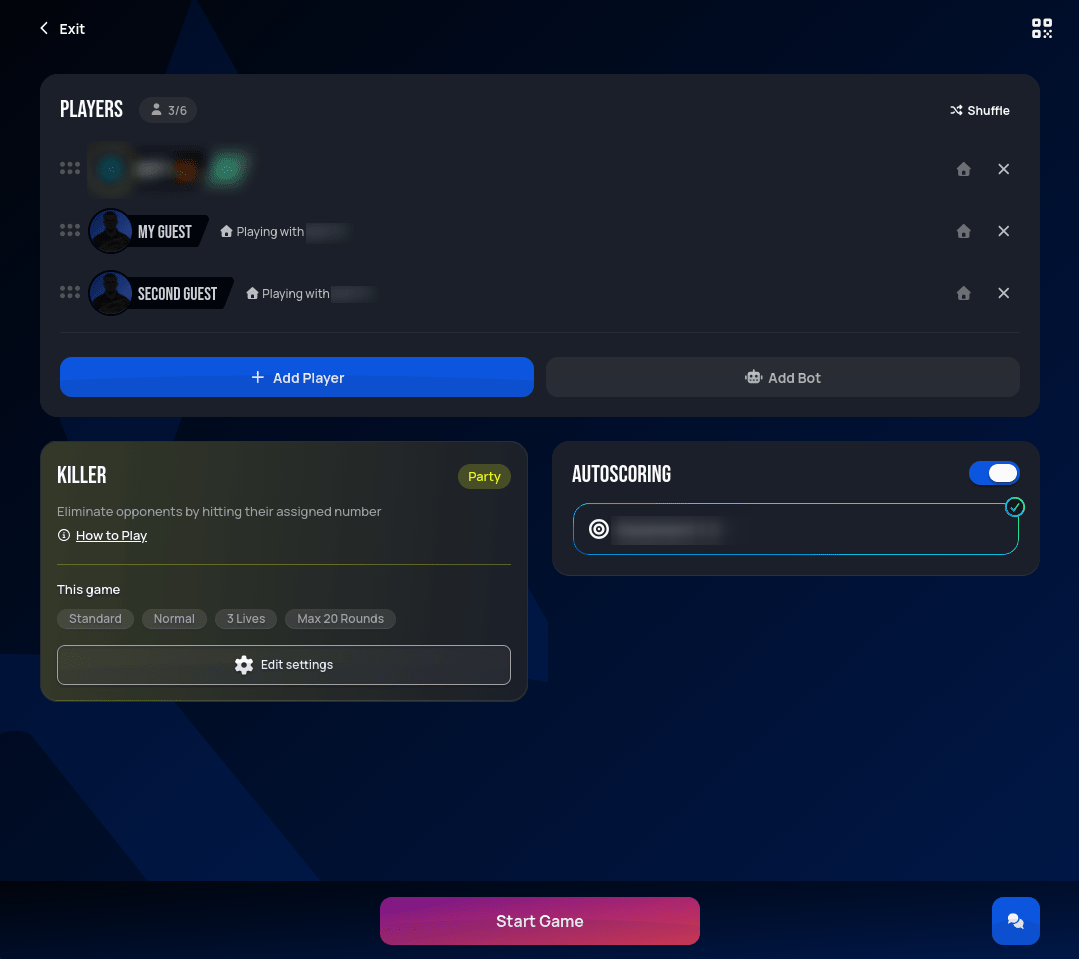 Personal data redacted
Every in-match screenshot below shows a virtual board instead of the live camera feed most other modes use — the live board view is disabled for Killer specifically. Killer is expected to be played mostly with local guests or friends you already trust (to eliminate you first, no less), rather than random opponents online, where actually seeing their board matters more.
Claiming your number
Once the match starts, each player in turn throws one dart, with their weaker hand, at whichever number they want to claim:
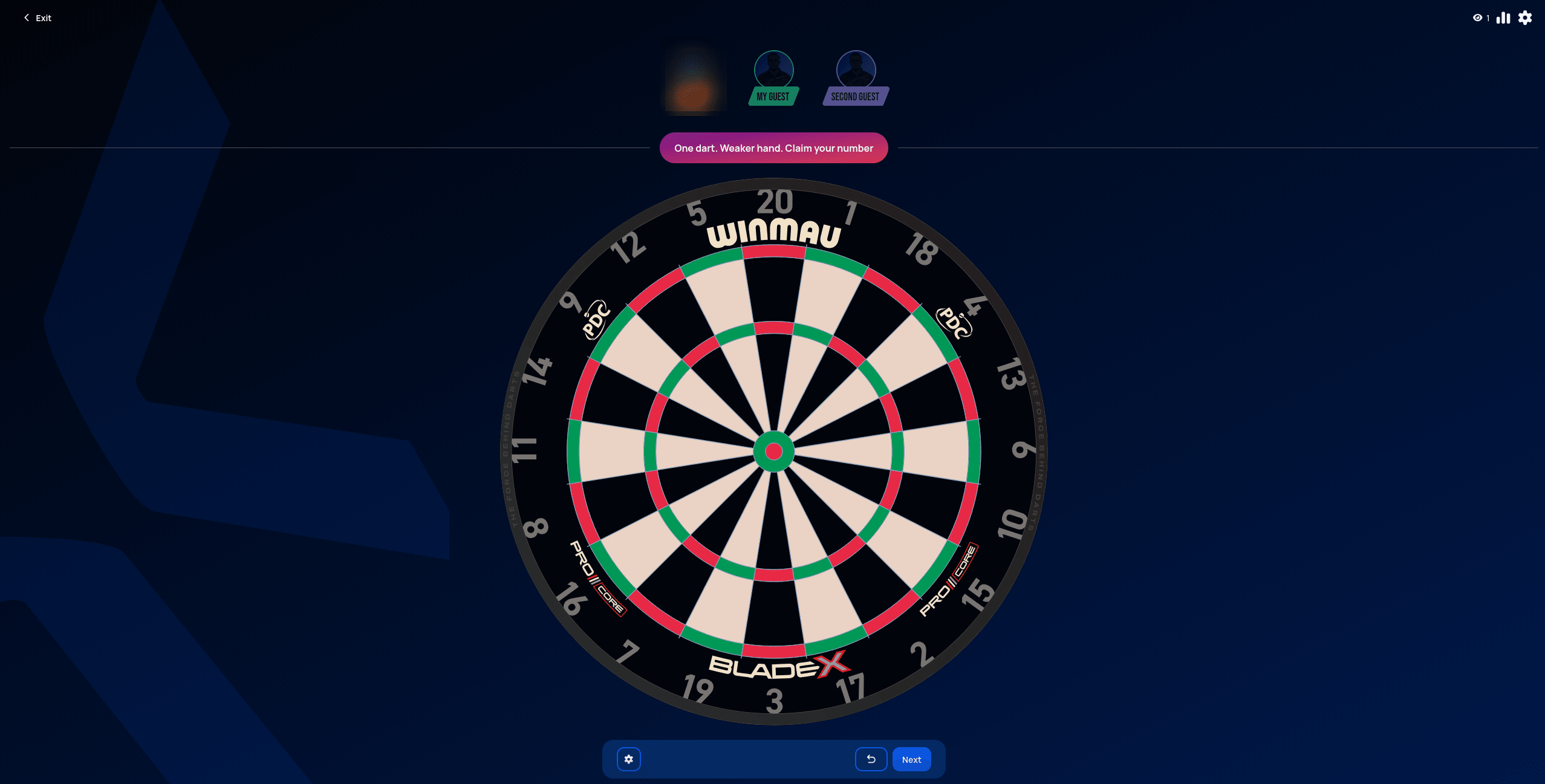 Personal data redacted
Once everyone's claimed a number, it's marked on the board in that player's color for the rest of the match, so everyone can see which wedge belongs to whom, and the attack phase begins:
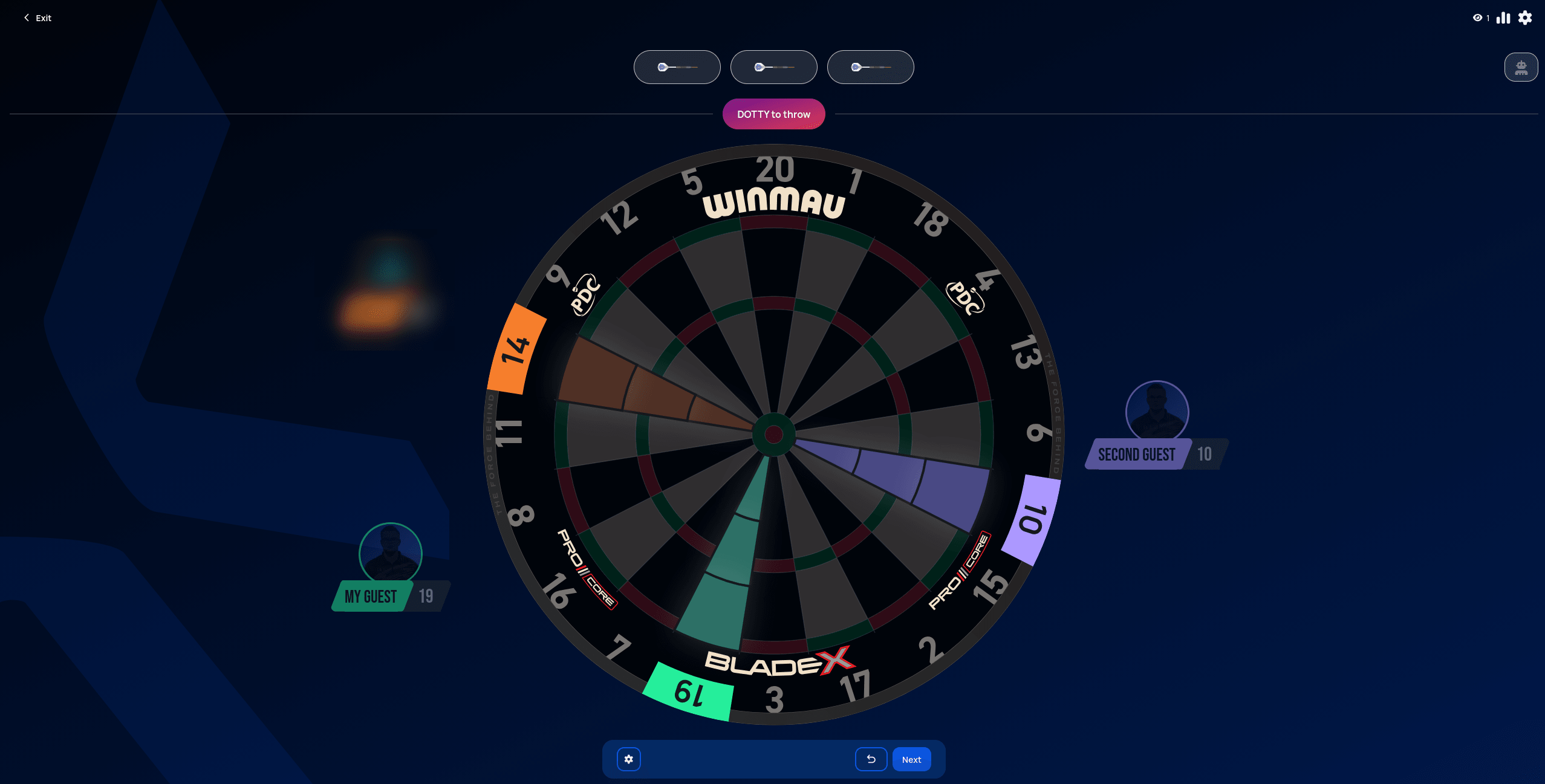 Personal data redacted
Becoming a killer, and losing that status again
Becoming a killer isn't a single hit — it's a tally built up on your own number, the same way Cricket/Tactics marks work: a single counts for 1, a double for 2, and a treble for 3. Once that tally reaches your starting Lives count (3 by default), you become a killer, announced with a full-screen overlay:
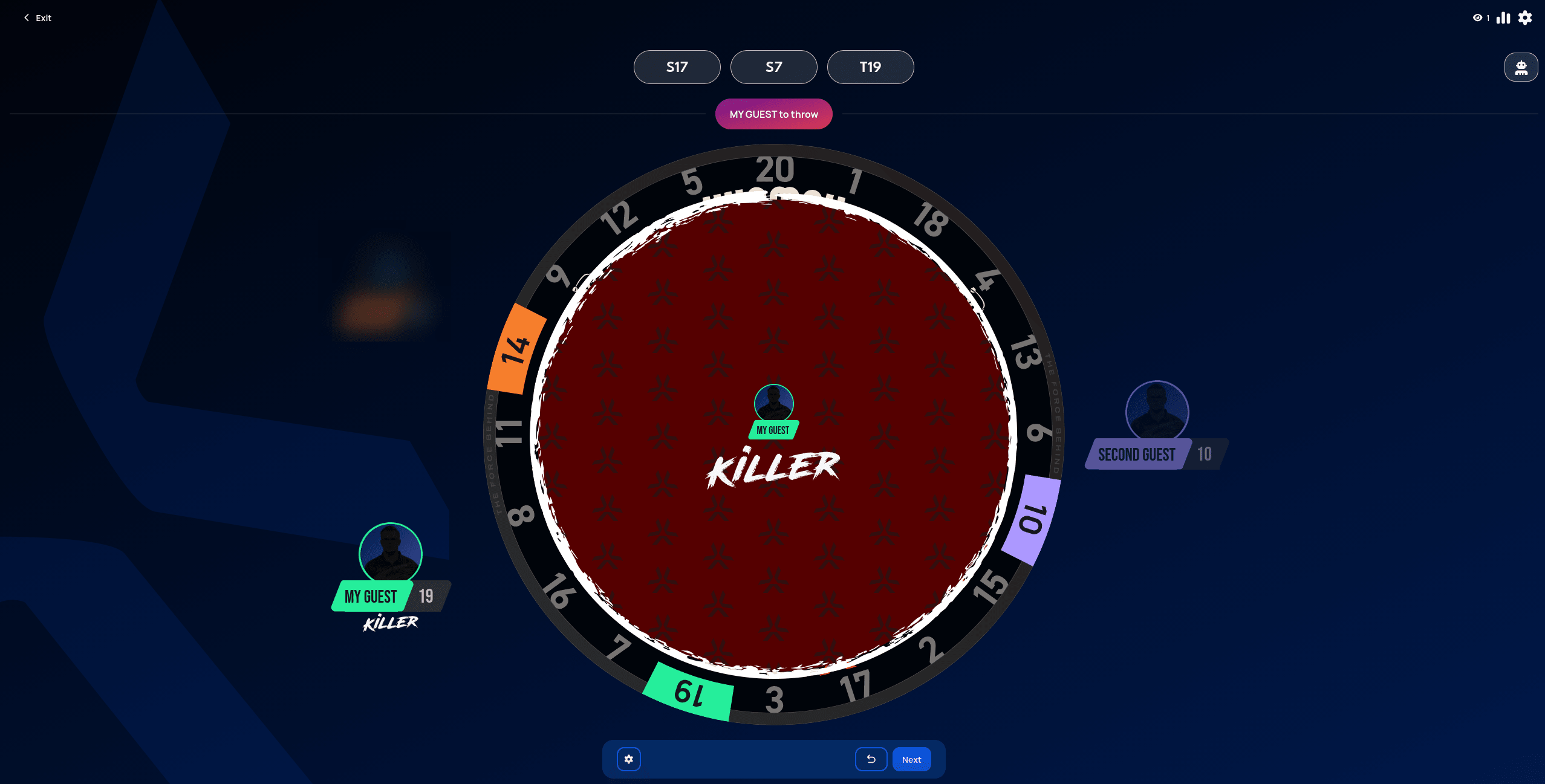 Personal data redacted
Attacking works the same way in reverse: hitting an opponent's number reduces their tally by 1/2/3 (single/double/treble), down to a floor of zero — it can never go negative, so landing a treble on someone with only 2 left just brings them to zero, it doesn't eliminate them outright.
As a killer, accidentally hitting your own number costs you a life just like an opponent's attack would — it reduces your tally the same way. The same floor-at-zero rule still applies, though: no matter how many times it happens, you can't eliminate yourself.
Killer status doesn't stick around unconditionally, though: if an attack drops your tally below the threshold again, you lose killer status immediately, even if you're not all the way back down to zero. To reclaim it, you only need to make up the difference — hit your own number until the tally is back at the threshold, not necessarily starting over from scratch.
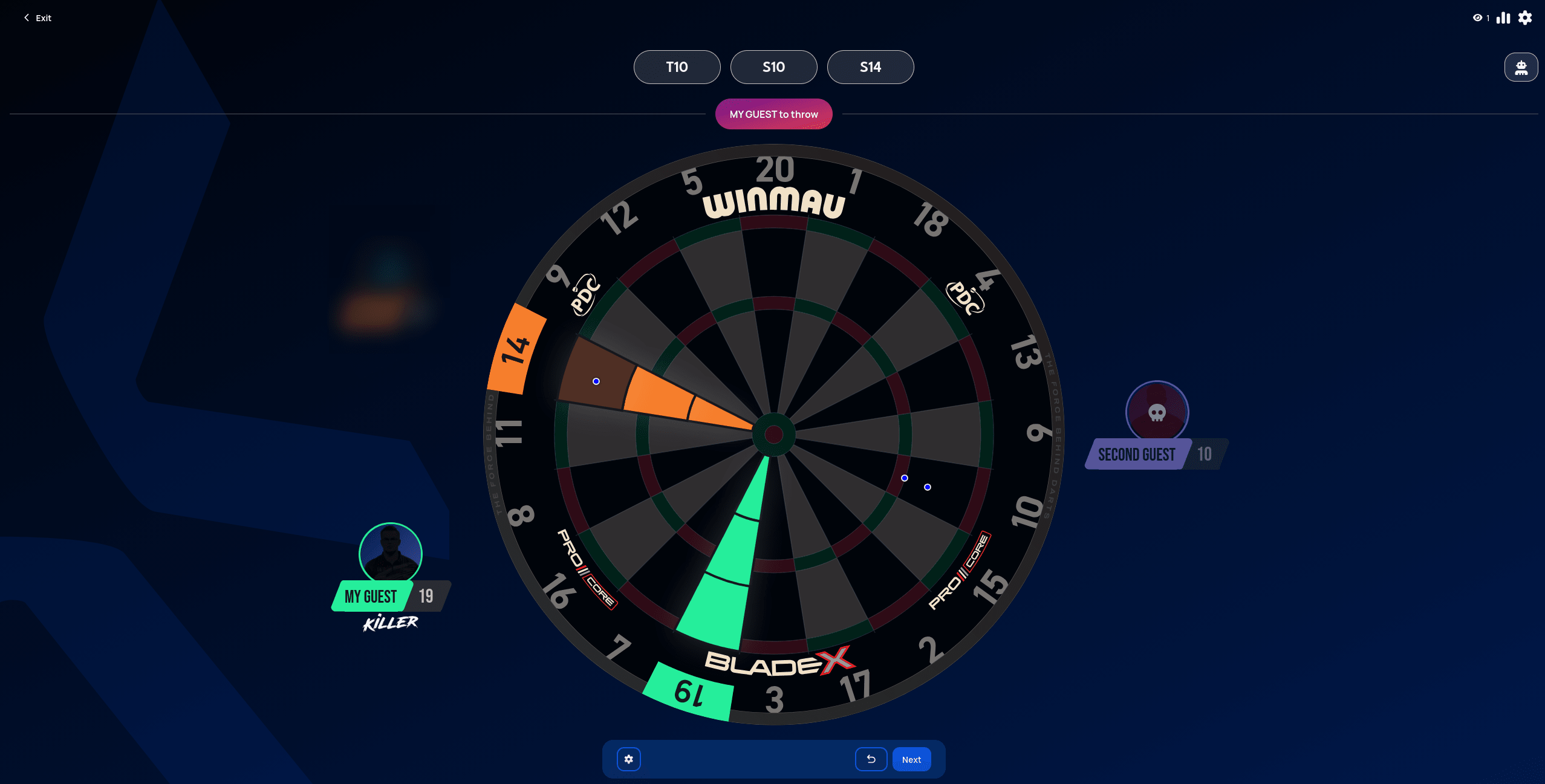 Personal data redacted
Elimination only happens once your tally is already at zero and you get hit again — losing all your lives this way is announced the same way:
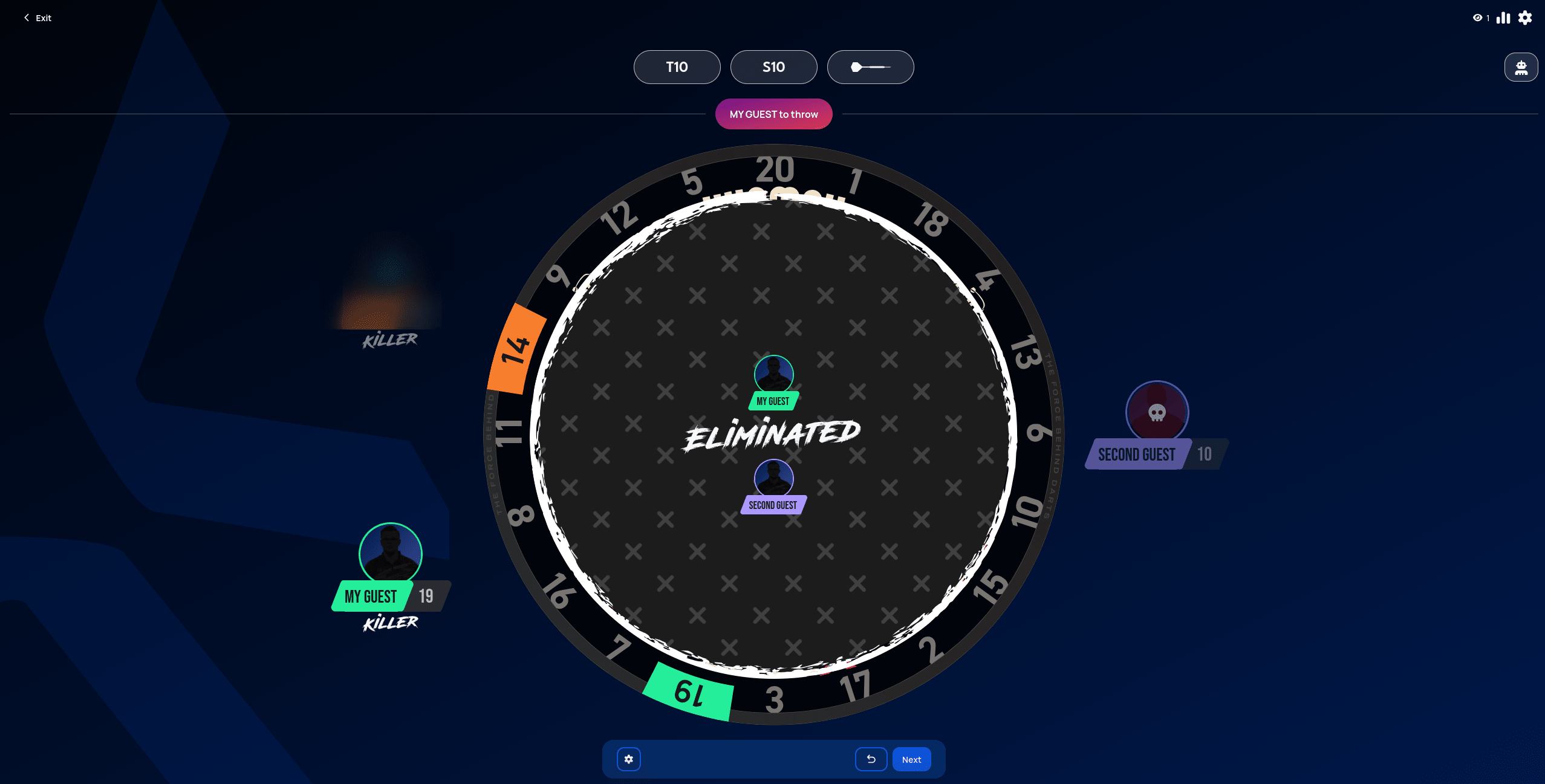 Personal data redacted
The last player standing wins:
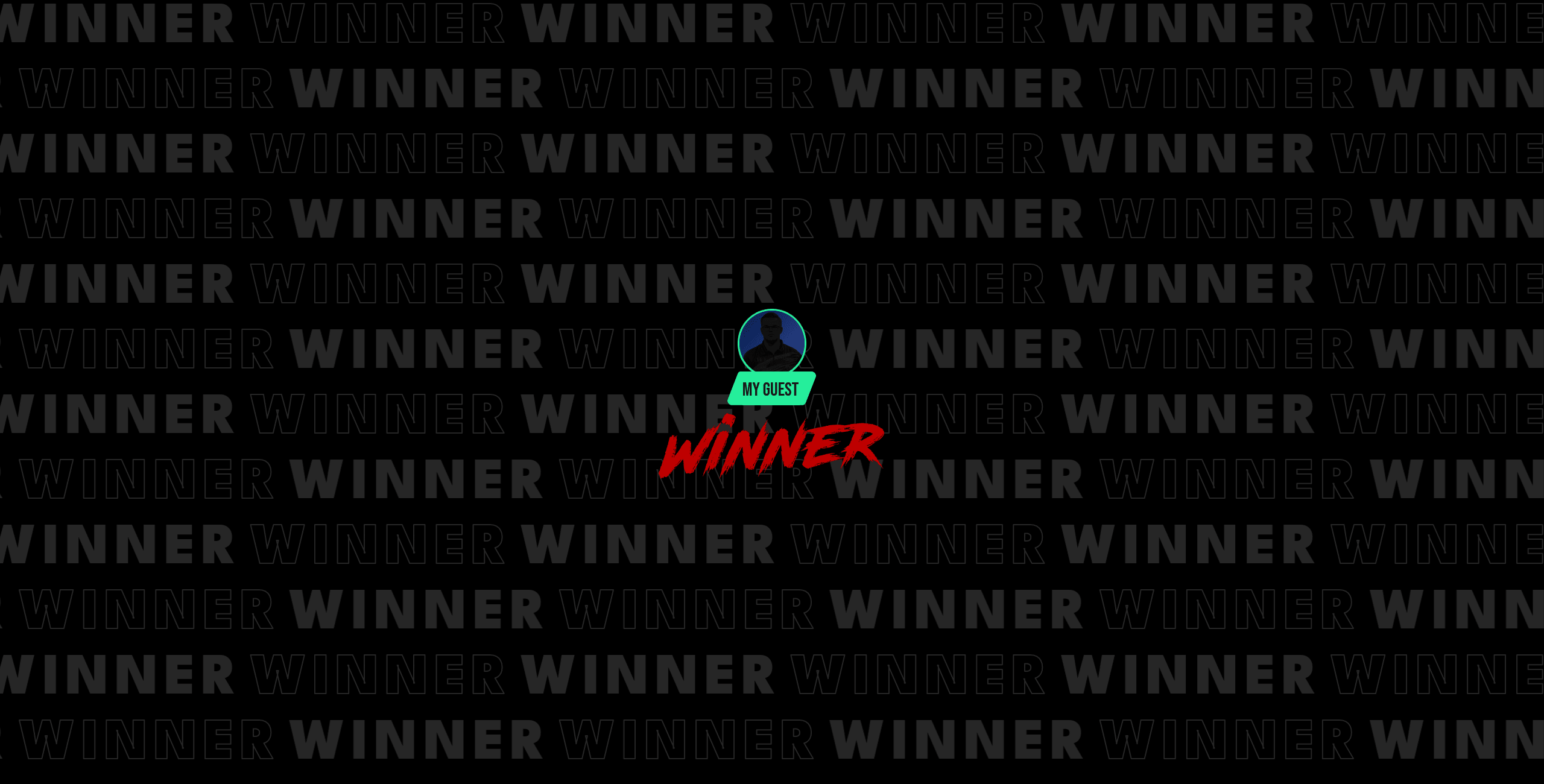 Personal data redacted
Killer's post-match stats are currently unavailable due to a known bug — this page will get a results screenshot once that's fixed.