Segment Training
Practice hitting specific segments on the board.
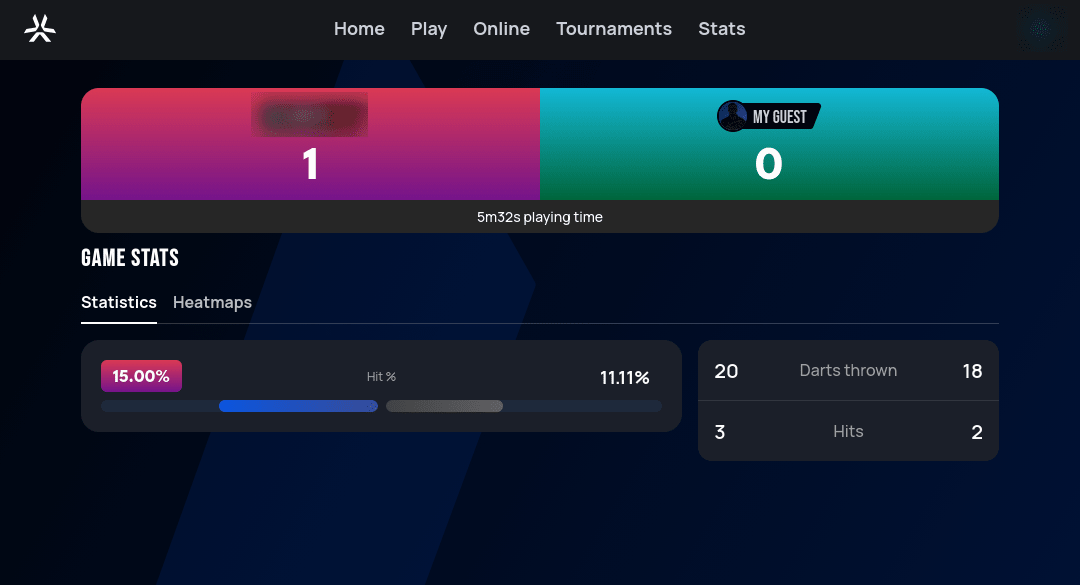
How to play: Practice hitting specific segments on the dartboard — a segment is any individual scoring zone, such as a number's single area, its double ring, or its triple ring. Set a target segment and throw to improve your accuracy and consistency. Track how many times you hit the target over a set number of rounds or darts — great for warming up or strengthening your weakest areas.
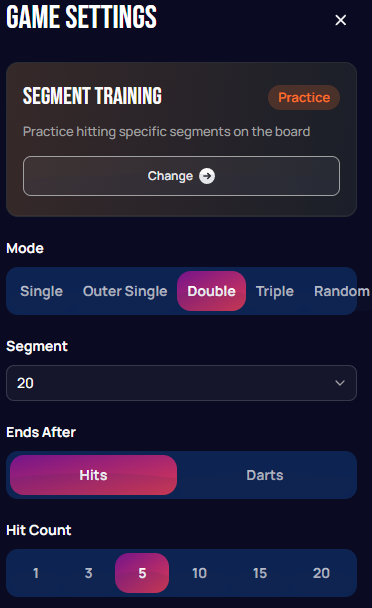
| Setting | Options | Notes |
|---|---|---|
| Mode | Single / Outer Single / Double / Triple / Random | What kind of hit on the target segment counts. |
| Segment | Dropdown, e.g. 20 | The number to practice hitting. |
| Ends After | Hits / Darts | Whether the session ends after a target number of successful hits, or after a fixed number of darts thrown. |
| Hit Count | 1 / 3 / 5 / 10 / 15 / 20 | The number of hits (or darts, depending on "Ends After") for the session. |
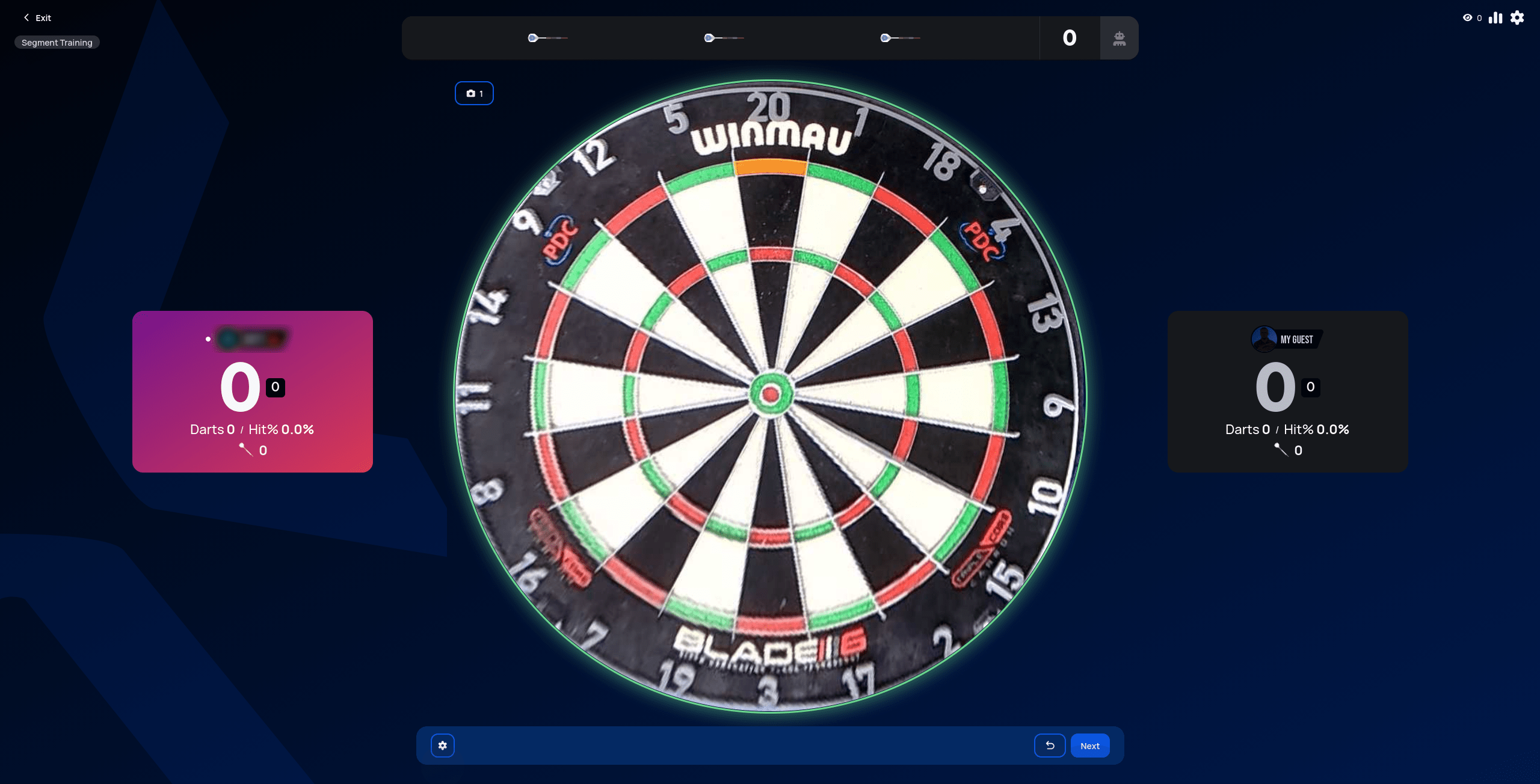
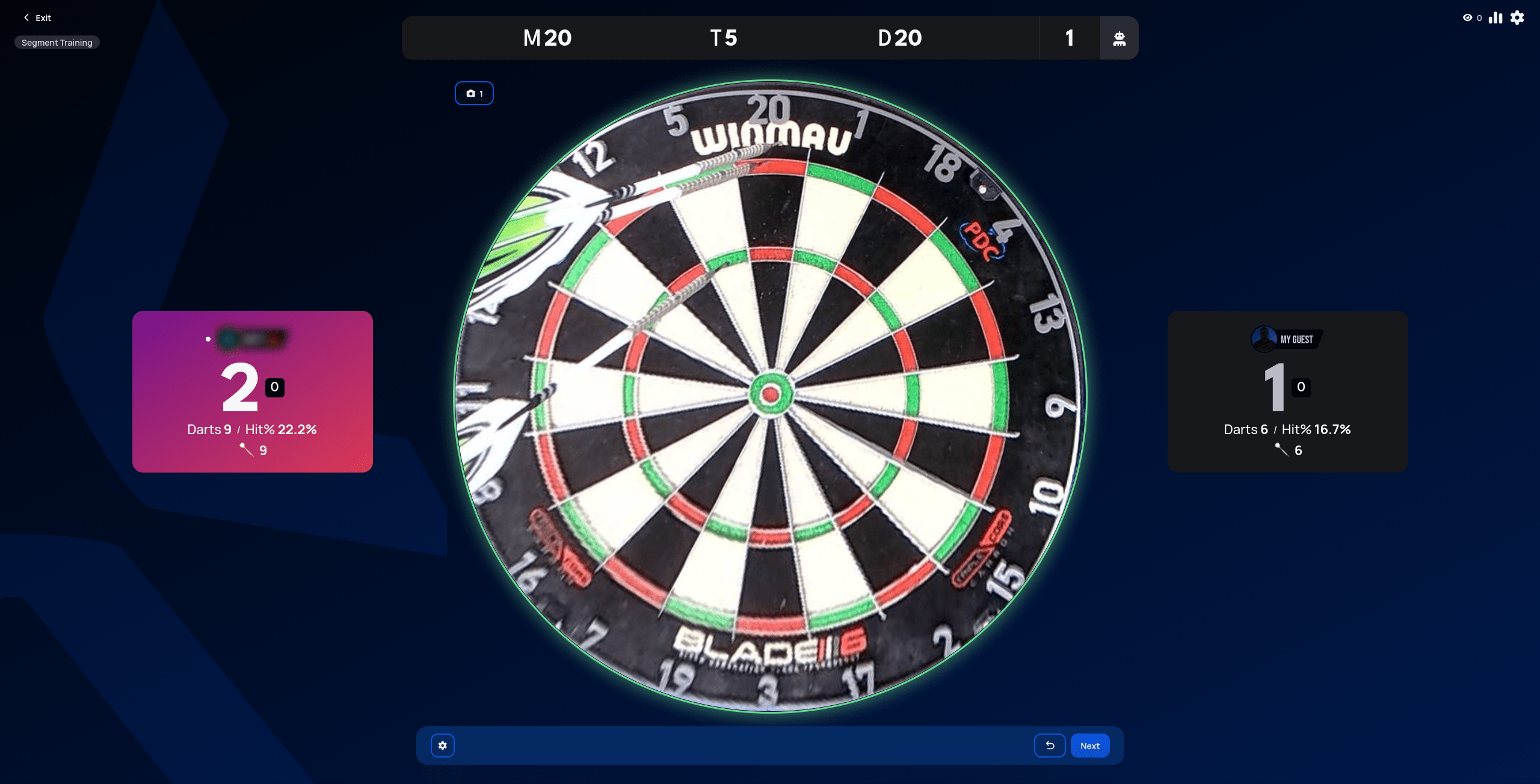
The target segment is highlighted on the board (orange, top of 20 in the example below), and each player's card tracks darts thrown and hit percentage as they go:
 Personal data redacted
 Personal data redacted
 Personal data redacted