Playing Together on One Board
When the people you're playing with are in the same room, you only need one board: yours. In the lobby (the setup screen before a match, see Playing Your First Game), every player either plays locally, throwing at your board, or online, from their own board somewhere else. Playing together on your board doesn't need Autodarts Plus.
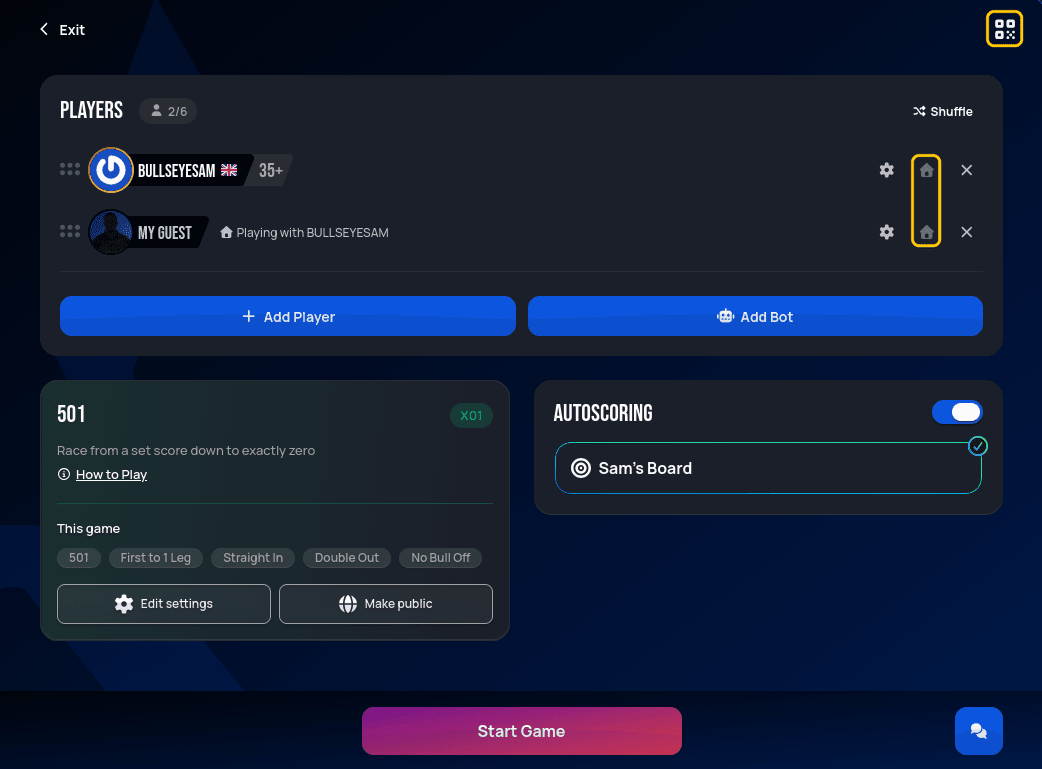
Joining with the QR code
Select the QR code icon at the top right of the lobby to show a QR code. The people with you scan it with their phone to join the lobby, and they're put on your board straight away. Copy link to clipboard copies the same join link, if you'd rather send it to them.
The link opens in the phone's browser, so each of them needs to be signed in to their own Autodarts account there. They don't need the Autodarts app: once they've joined, everything is controlled from your device.
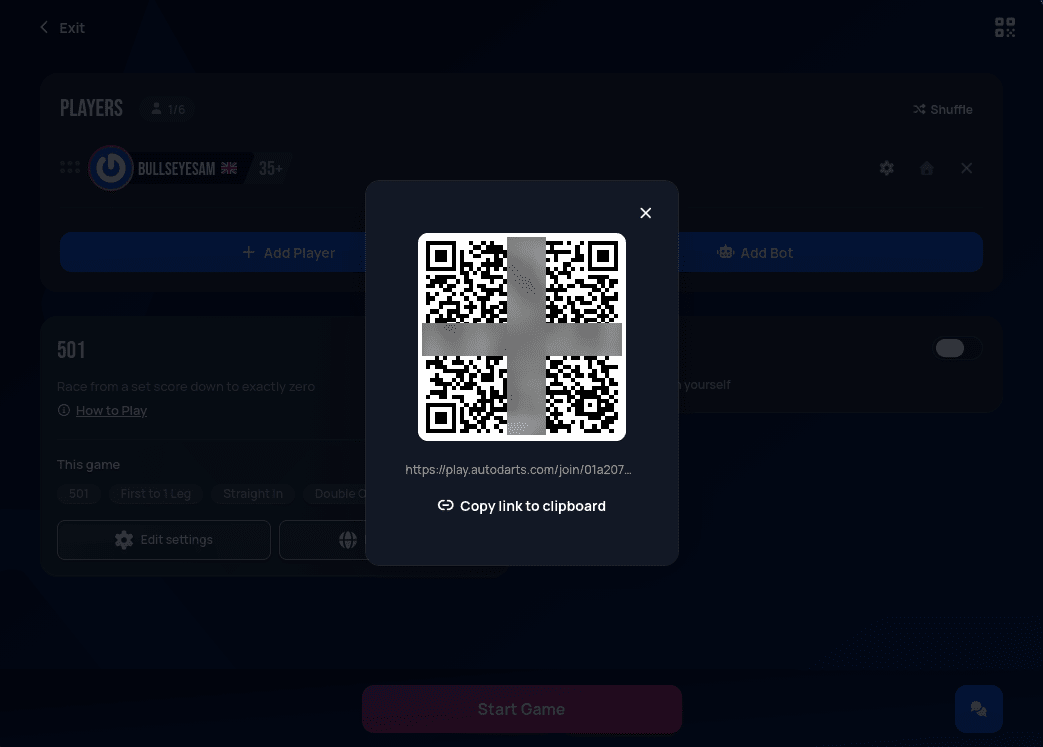
The icons on a player's row
Each player's row ends in up to three icons:
- Cogwheel — sets a handicap for this player in X01. It only shows for players on your board.
- Home or globe — shows where this player plays. A home means locally, on your board; a globe means online, from their own board.
- X — removes the player from the lobby.
Moving a player onto your board
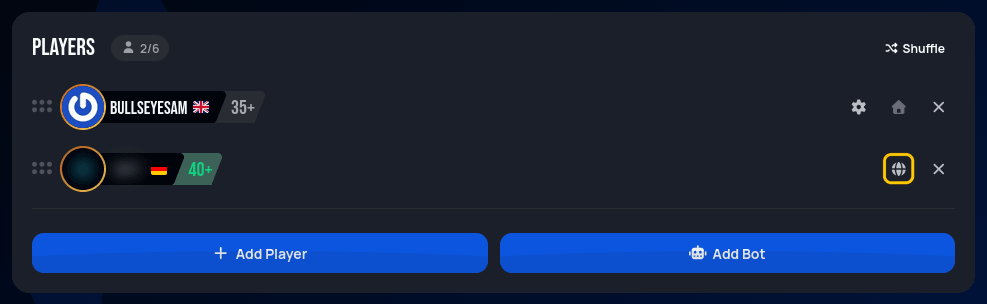
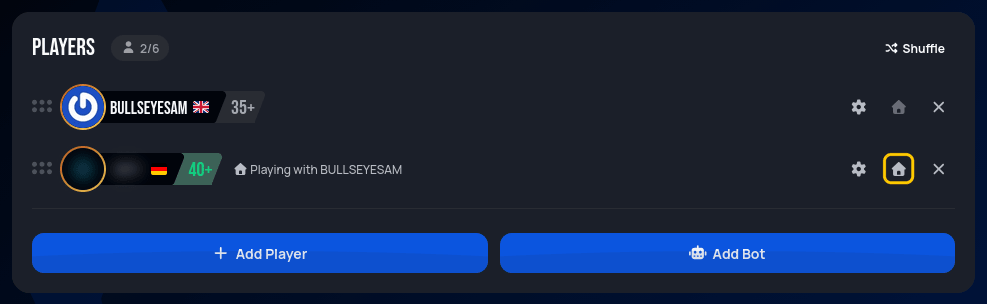
A friend you invite through Add Player, who joins with their own Autodarts account rather than as a local guest, starts out playing online, with a globe on their row. If they're actually in the room with you, select the globe, and it turns into a home.
 Personal data redacted
 Personal data redacted
That player now plays on your board, and the lobby shows Playing with and your name next to theirs. Their row also gets a cogwheel, so you can give them a handicap.
Only you, as the host of the lobby, can move a player onto your board. Moving back is up to them: only that player can switch themselves back to playing online, from their own device.
Everyone with a home plays on your board, and their darts are counted and corrected on your device: the one you have the lobby open on. A friend playing on your board with their own account still gets the match in their own statistics.
When everyone in the match is on your board, Rematch on the results screen puts all of them straight back into the lobby, so nobody has to join again.
To play together in person, you don't need to share your board with your friends, and it wouldn't help. Sharing a board is meant for family members or flatmates who play on the same board on their own, without you, so they can use it from their own account without setting the board up again.